User Guides


Last updated
Was this helpful?


Last updated
Was this helpful?
Was this helpful?
# Step 1: Unbox the Device
## Step 1.1: Check the Contents
## Step 1.2: Inspect the Device

# Step 2: Power On the Device# Step 3: Connect the Device
1. Plug in the power cable.
2. Connect the device to your Wi-Fi network.
- Ensure your Wi-Fi is on.
- Enter the Wi-Fi password when prompted.
3. Wait for the device to sync.
- Tools you might need:
- Screwdriver
- Wrench
- PliersFor more details, visit the [official documentation](https://example.com/documentation).# Step 4: Install the Software
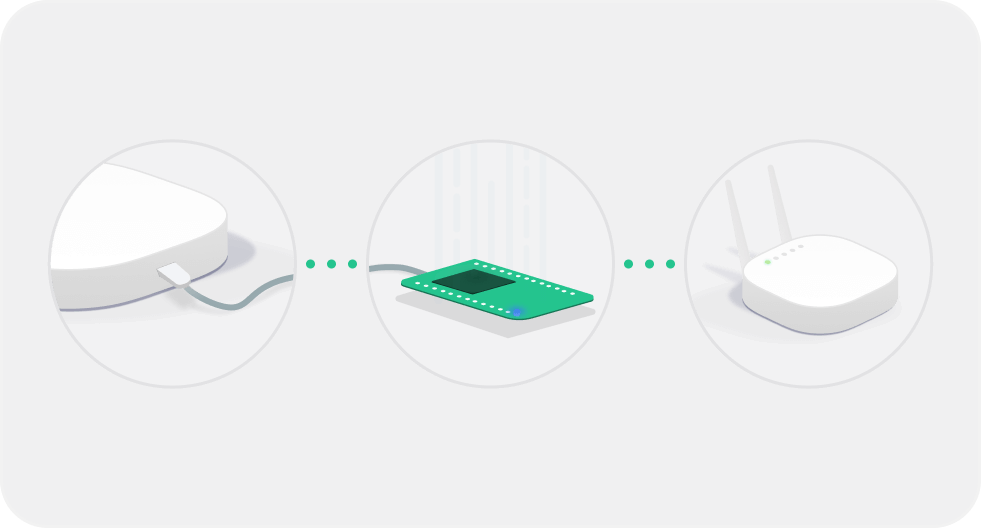
# Make sure your device is ON and ready to be connected
- Put the device and smartphone close to each other
- Check that device is able to connect to the Internet